


表格轮播动画插件
VTable 提供表格轮播动画插件,支持表格的行或列的轮播动画。
效果如下:
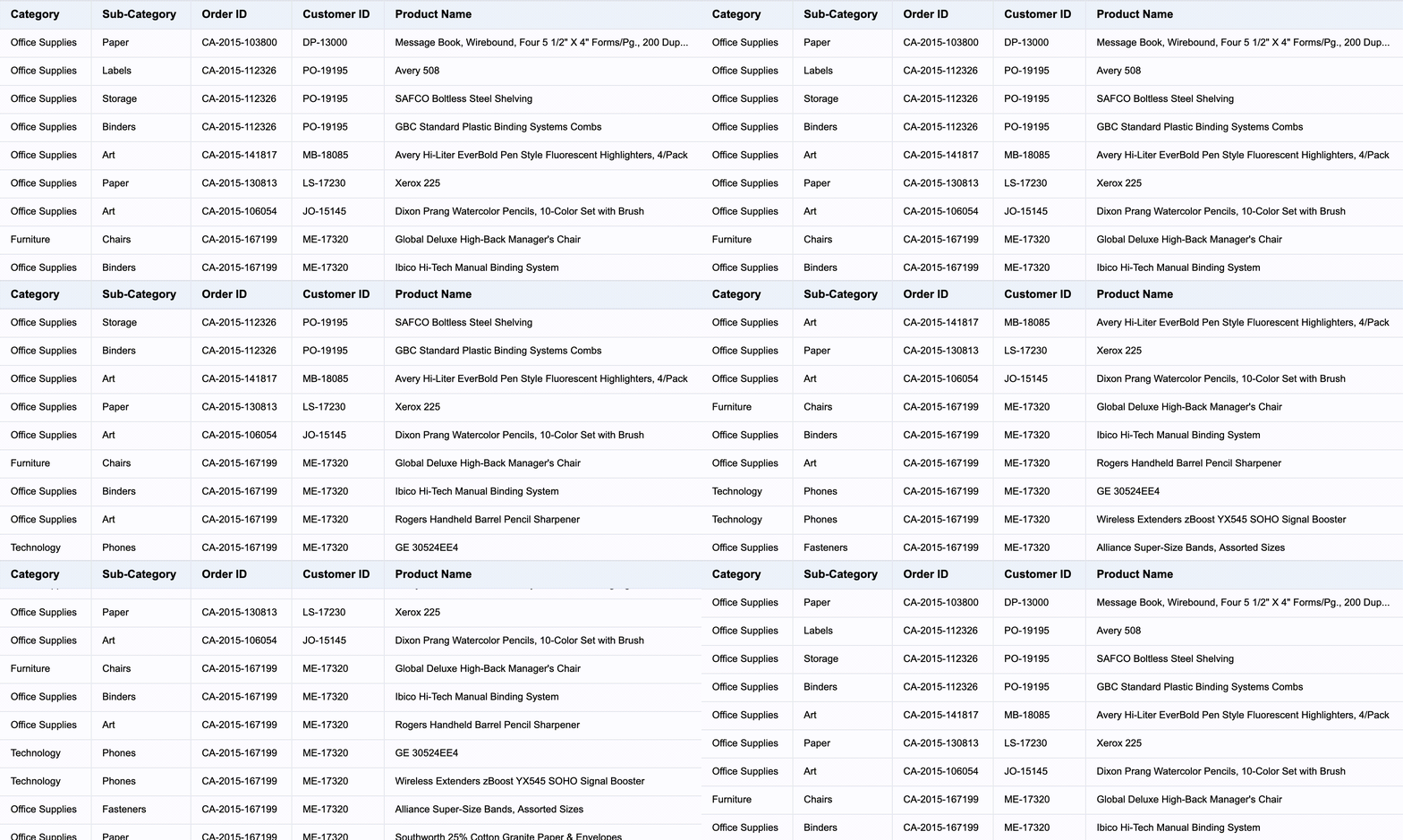
使用示例
const tableCarouselAnimationPlugin = new TableCarouselAnimationPlugin({
  rowCount: 10,
  colCount: 10,
  animationDuration: 1000,
  animationDelay: 0,
  animationEasing: 'linear',
  autoPlay: true,
  autoPlayDelay: 1000,
});

const option: VTable.ListTableConstructorOptions = {
  records,
  columns,
  plugins: [tableCarouselAnimationPlugin],
};
如果并不期望表格初始化后马上进行播放的话,可以配置autoPlay为false,然后手动调用play方法进行播放。
tableCarouselAnimationPlugin.play();
插件参数说明
插件提供个性化配置,可以配置以下参数:
| 参数 | 类型 | 说明 |
|---|---|---|
| rowCount | number | 每次动画滚动行数 |
| colCount | number | 每次动画滚动列数 |
| animationDuration | number | 动画时长 |
| animationDelay | number | 动画延迟 |
| animationEasing | string | 动画缓动函数 |
| autoPlay | boolean | 是否自动播放 |
| autoPlayDelay | number | 自动播放延迟 |
| customDistRowFunction | (row: number, table: BaseTableAPI) => { distRow: number; animation?: boolean } | 自定义动画距离 |
| customDistColFunction | (col: number, table: BaseTableAPI) => { distCol: number; animation?: boolean } | 自定义动画距离 |